
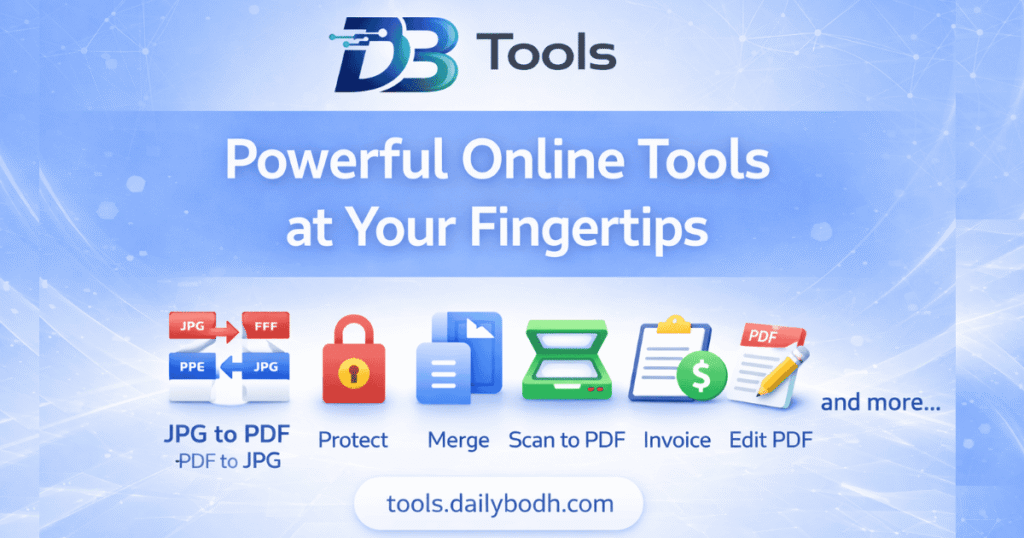
Welcome to Dailybodh Tools Hub: Your Free Global Digital Toolkit
Choose a PDF tool below to merge, split, compress, convert or edit documents. Each tool opens on its own page. Free and premium access, file limits and processing methods vary by tool; review the notice before uploading confidential files.
PDF Editor And Online PDF Tools
📄
Daily PDF EditorPowerful Free PDF, Invoice & Web tools for everyone
This page is the PDF tools directory. Select the task you need above to open its dedicated workspace.
Prepare Your Document
Choose Merge PDF to combine documents, Split PDF to extract pages, or another tool for your task.
On the tool page, select your files and review the available settings, limits and processing notice.
Run the operation, inspect the output and download your finished document. Keep your original file as a backup.
Privacy And Access
Processing depends on the tool. Some operations run locally in your browser; others use server processing or an external service, including AI features. Check the individual notice and our Privacy Policy before uploading sensitive documents. Free and premium availability and file-size limits are shown in each workflow.
Working With Scans And Protected Files
Scanned pages may require OCR before text can be edited. Encrypted or complex files may have restrictions. Review fonts, page order, images and readability in the downloaded file before sharing or printing.
How are PDF files processed and protected?
Processing varies by tool. Some operations run in your browser, while others require server processing or an external service. Read the notice in the selected tool and the Privacy Policy before uploading confidential documents. Keep a backup and review the downloaded result.
Are all Dailybodh PDF tools free?
Access varies by tool. Each tool page shows whether it is free or premium, along with limits and any account requirements. Review those details before starting.
Can I change page order in a PDF?
Use the page-order controls in the relevant tool when available. For example, arrange files in Merge PDF before combining them. Open the tool, check its controls and review the downloaded page order.
Will a PDF operation change document quality?
Some operations can change image quality, fonts, layout or file size. Check the downloaded PDF page by page, especially after compression, conversion or OCR. Keep a copy of the original.
Have feedback or need support with our SaaS toolkit? Reach out to us via our Contact Us page.
Read Our Blog To Read Interesting Articles Dailybodh Blog page.
Keep your original document and review the downloaded PDF before sharing.
We use necessary cookies to make this website work. With your permission, we also use analytics and marketing cookies to understand traffic and support monetization.